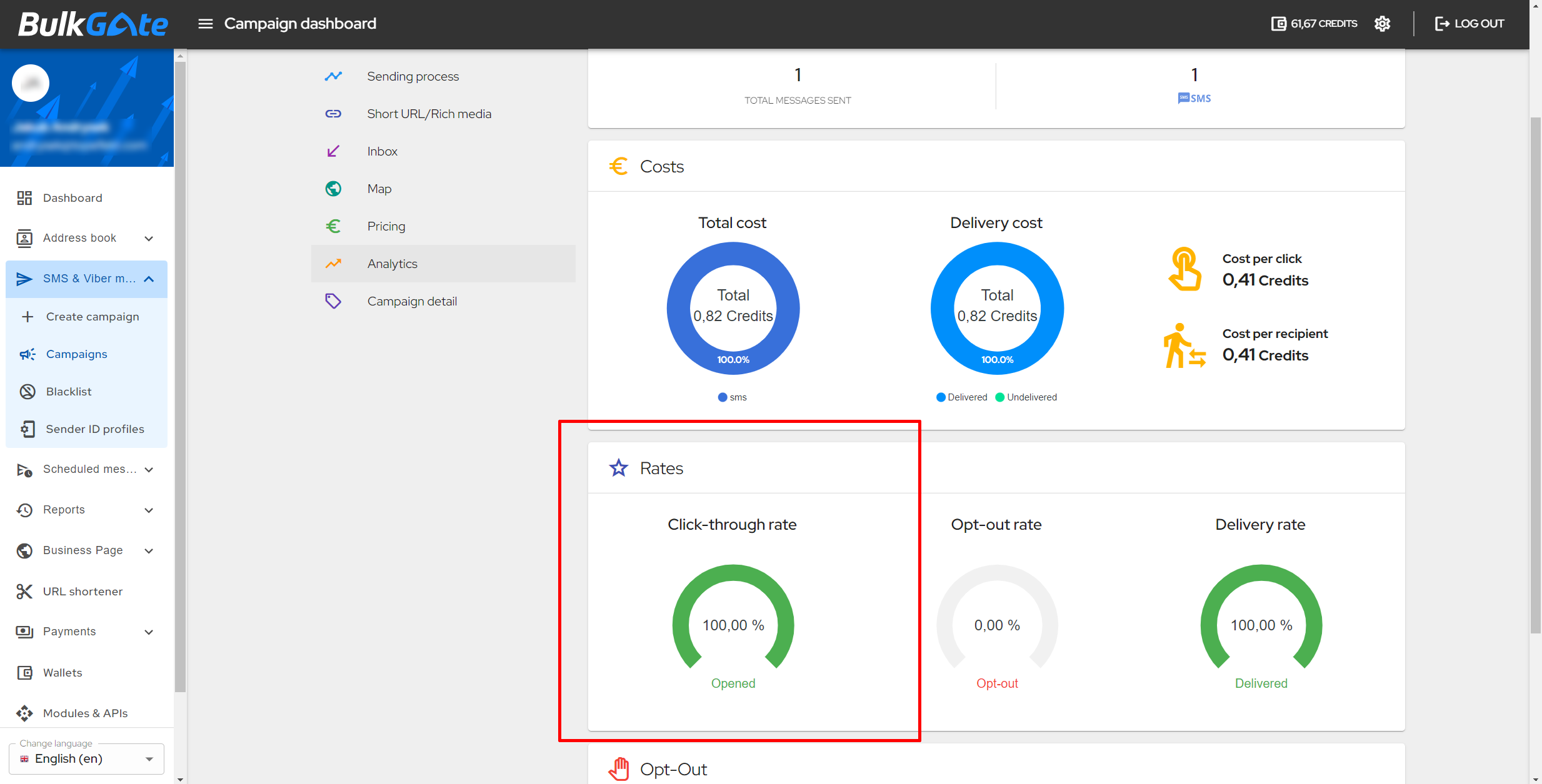
Measuring click-through rate
How can you measure the click-through rate of your campaign?
If you want to measure click-through rates, you need to use our URL shortener when you create your campaign. You can choose from several short domains (e.g. ur7.fr, ur7.co, ms6.fr, ms6.cz, msg.bg, ms6.io, ur7.io, etc.).
In case you use a different shortener than ours, you will not be able to measure the click-through rate.
How to display the click-through rate value
To view the click-through rate value:
- Click on
Reportsin the menu on the BulkGate Portal - Click on
History. - Click on the
Campaign dashboardicon on the right side of the row for the campaign you are interested in. - Click
Analyticsin theDashboardmenu. - In the
Ratessection on the left, you will see theClick-through ratein percentages for the campaign you selected.