
RCS sender registration
How to register new RCS sender
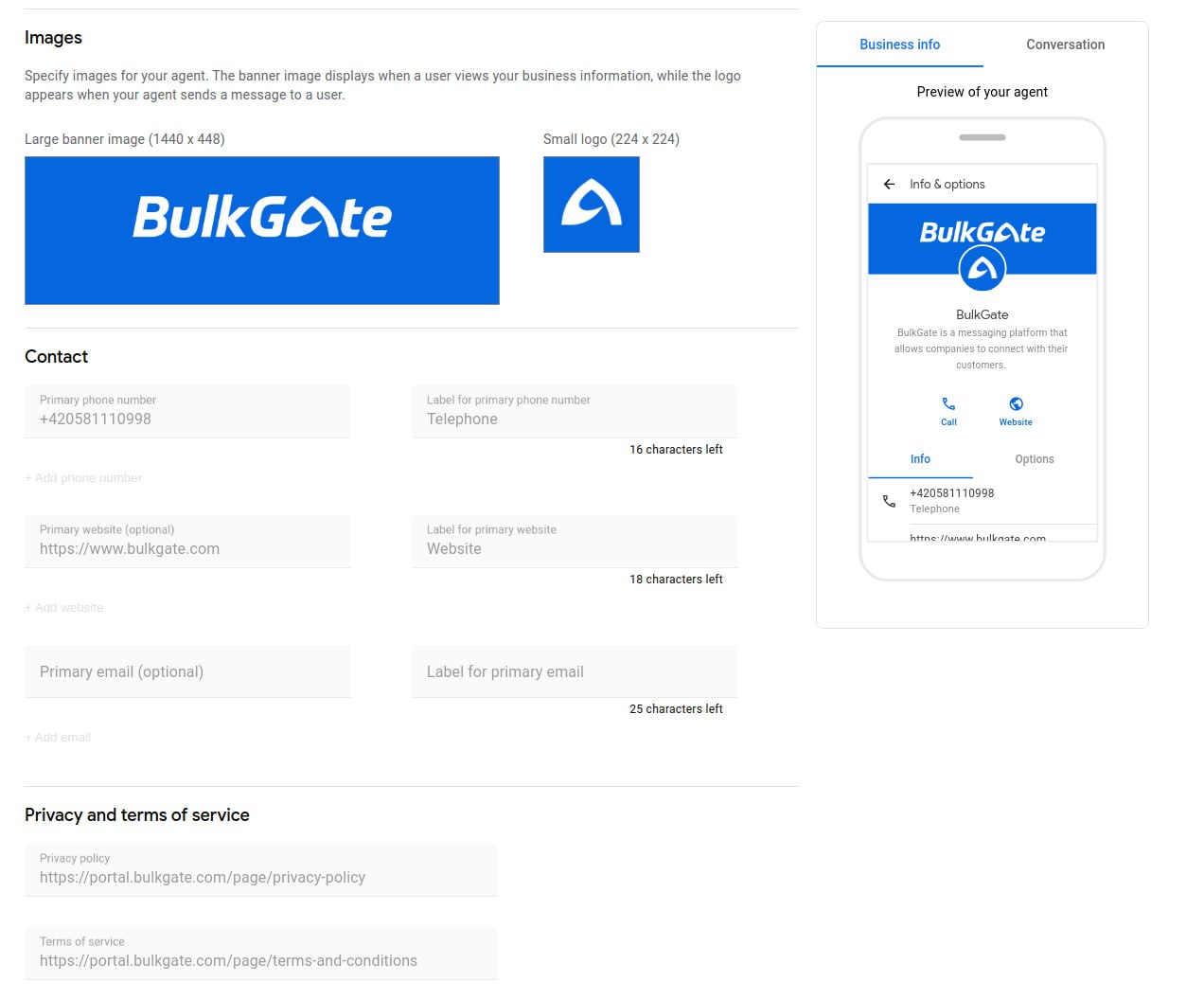
To register a new RCS sender, we need from you:
- Name - Display name is visible when users interact with your agent. The maximum text length is 40 characters.
- Description - Maximum text length is 100 characters.
- Color - With a minimum 4.5:1 contrast ratio to white, for example, #FF0000.
- Website URL
- Label for website
- Label for e-mail
- Phone number
- Label for phone
- Privacy Policy URL
- Terms of Service URL
- Networks you want to send to.
- A logo - The image you upload must be 224 pixels wide and 224 pixels tall, have a maximum file size of 90KB, and be a JPEG, JPG, or PNG. In conversations, logos are displayed as circles with a diameter of 224 pixels. Make sure that your logo displays well as a circle.
- A hero image - The image you upload must be 1440 pixels wide and 448 pixels tall, have a maximum file size of 360KB, and be a JPEG, JPG, or PNG.
Within RCS, only READ and DELIVERED messages are charged. Messages with other statuses expire and are refunded to your BulkGate account.
If the recipient opts out of the subscription, a new message confirming the opt-out is automatically sent from your account to the recipient. This message is charged according to the valid price list, which can be found on our website.

How long does it take to register a new RCS sender?
Approval takes 14-30 business days.
Fees
You can find the current fees in the valid price list.